
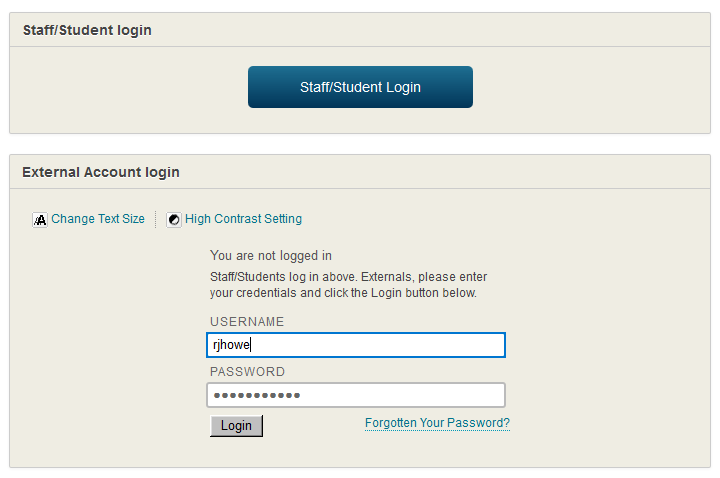
We have just enabled an improved way for staff and students to login to NILE. The screen below shows the new Single Sign On (SSO) button which you will now see on the NILE login screen. By clicking onto this button, your machine will try to log you in using details already held on your computer. If it fails then it will just ask you to type in your normal username and password.
The box below this is actually the same box that was previously on NILE and this will also work if your type in your details in the old way. If the new button does not immediately work then you may just need to clear your browsers cookies using the details at the bottom of this message.
Clearing your browser cookies
If you receive an error when trying to log in, it may help to clear your browser cookies. When doing so, ensure you don’t select other items that you want to keep. For example, you may wish to keep saved passwords and your browsing history.
- The keyboard shortcut for Firefox, Chrome and Internet Explorer is ctrl+shift+delete. For Safari it is ctrl+alt+e.
- If you are unsure on how to clear cookies for your particular browser, please refer to the browser’s own website for help.
