What is UON Ultra?
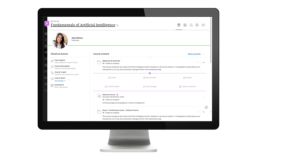
UON Ultra is a five-year project to migrate the University’s Virtual Learning Environment (VLE), NILE, from Blackboard Learn Original (hereafter Original) to Blackboard Learn Ultra (hereafter Ultra). The purpose of moving from Original to Ultra is to ensure that the University is using a modern VLE that is intuitive, mobile friendly, device agnostic, responsive, and accessible: i.e., a VLE that best supports our students and our mode of teaching, and which works equally well regardless of whether it is accessed via a desktop, laptop, iPad, etc., or smartphone.
Who will the project impact?
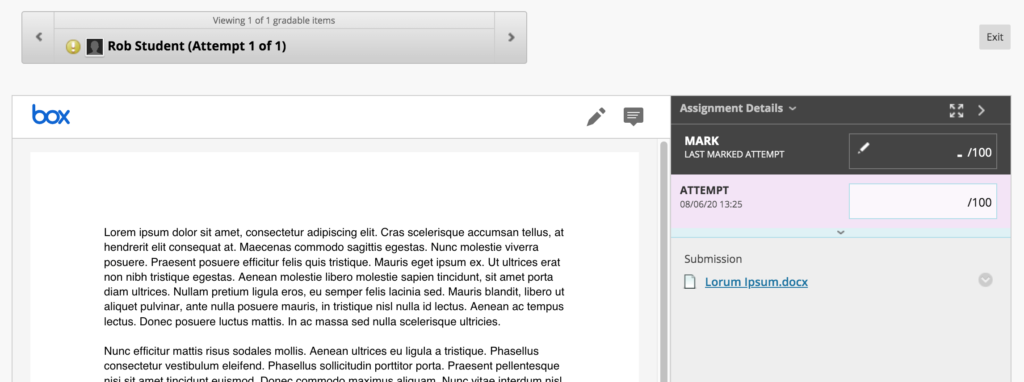
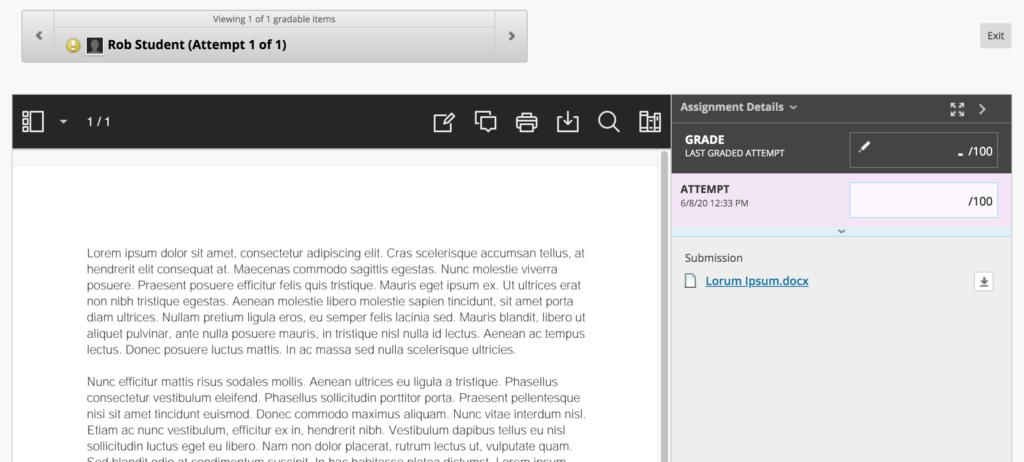
Original is the University’s digital campus and has been used at Northampton since 2002. Original is embedded in all aspects of teaching and learning at the University: it is where online teaching and learning takes place; where online learning activities are engaged in; where teaching and learning materials are made available to students; and, since 2012, is where almost all students’ assignments are submitted, and where students receive their assignment grades and feedback. The project will therefore impact all University students and all academic staff at the University and at partner institutions.
Who are the project delivery team?
UON Ultra will be delivered by the Learning Technology Team, in conjunction with academic staff from across the faculties.
What are the key dates and milestones for the project?
UON Ultra will be delivered in five phases over five academic years, starting in late-2019 and ending in summer 2024. The delivery timescale has been chosen and approved by UMT to ensure minimal impact to students who are used to Original, and to allow staff as much time as possible to get used to working with Ultra.
Phase one – 2019/20
• October to December 2019: Blackboard Original Managed Hosting (MH) to Software as a Service (SaaS) migration planning and testing.
• December 2019: Migrate all Original environments (Production, Staging, Test) from MH to SaaS.
• January 2020: Upgrade Original to Ultra Base Navigation (UBN) on Test.
• February 2020: Design and deliver pilot course EDUM129 via Ultra on Test.
• May 2020: Upgrade Original to UBN on Staging.
• June 2020: Upgrade Original UBN on Production.
• June to September 2020: Recruit participants to Ultra pilot project and design modules (approx. 10) for Ultra delivery from September 2020.
Phase two – 2020/21
• September 2020: First teaching of pilot Ultra modules.
• September 2020: Creation of test Ultra courses for all Level 4 modules.
• From September 2020: Ultra training for academic staff. Subject areas to receive bespoke training from their learning technologist.
• September 2020 to August 2021: Design of level 4 Ultra courses by academic staff (with support from the Learning Technology Team).
Phase three – 2021/22
• September 2021: First teaching of all Level 4 modules via Ultra.
• September 2021: Creation of test Ultra courses for all Level 5 modules.
• From September 2021: Continuation of Ultra training for academic staff. Subject areas to receive bespoke training from their learning technologist.
• September 2021 to August 2022: Design of level 5 Ultra courses by academic staff (with support from the Learning Technology Team).
Phase four – 2022/23
• September 2022: First teaching of all Level 5 modules via Ultra.
• September 2022: Creation of test Ultra courses for all Level 6/7/8 modules.
• September 2022 to August 2023: Continuation of Ultra training for academic staff. Subject areas to receive bespoke training from their learning technologist.
• September 2022 to August 2023: Design of level 6/7/8 Ultra courses by academic staff (with support from the Learning Technology Team).
Phase five – 2023/24
• September 2023: First teaching of all Level 6, 7 and 8 modules via Ultra.
• September 2023: First use of Ultra programme-level courses.
Where can I find out more about Ultra?
The Learning Technology Team will, of course, provide plenty of bespoke training on Ultra from September 2020 onwards, but Blackboard have also created training and support materials about Ultra which you can access.
Blackboard’s LearnUltra site contains a lot of information about Ultra and explains the benefits of using it: https://learnultra.blackboard.com/
Blackboard Ultra Training Videos: https://www.youtube.com/playlist?list=PLontYaReEU1tCbsCDP-u_wsKdkDBegIhH
Any questions?
If you have any questions about the UON Ultra project, please contact the Head of Learning Technology, Rob Howe, at rob.howe@northampton.ac.uk